Improved graphics
Written on August 10th, 2023 by Jozsef Szalontai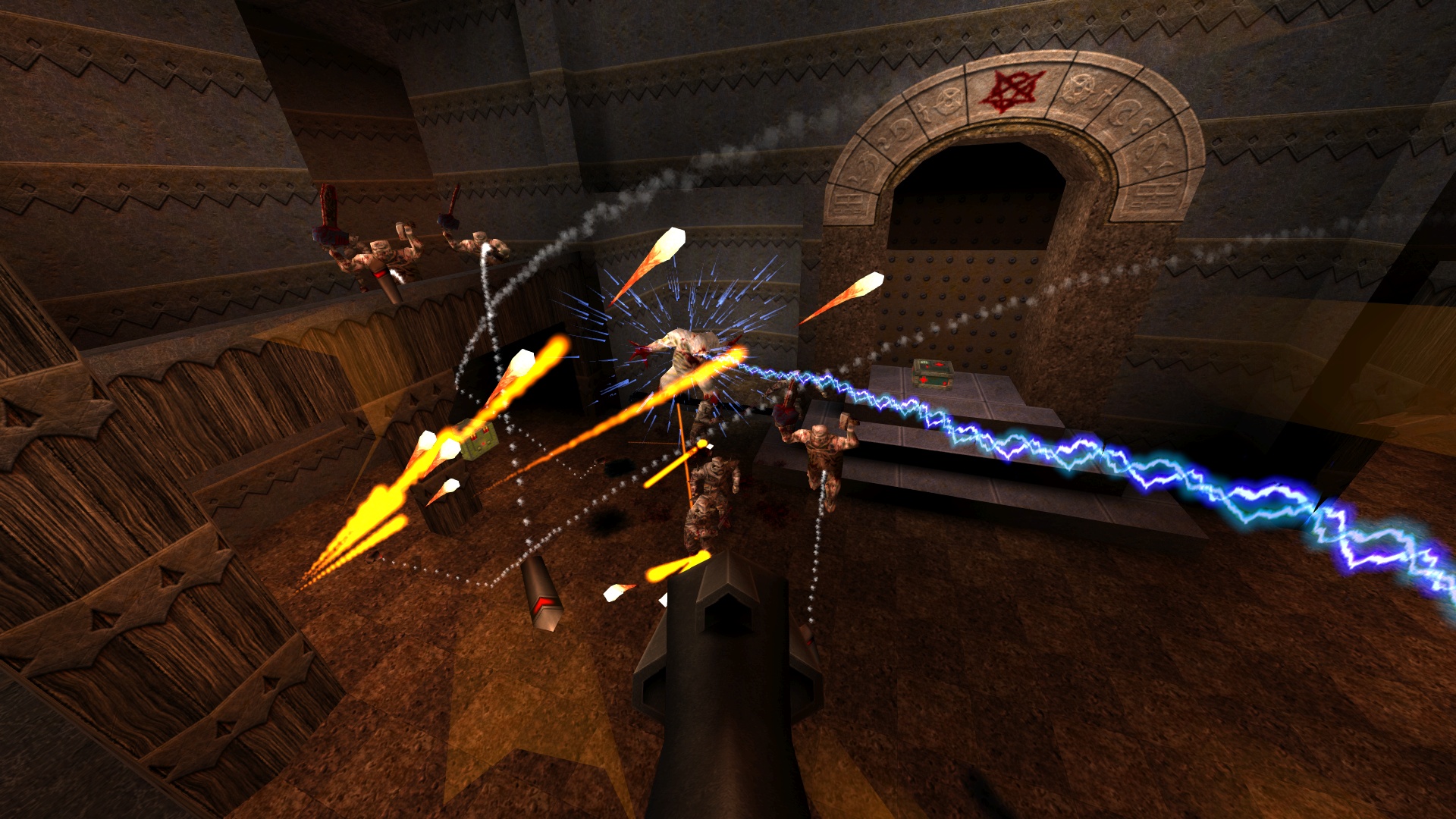
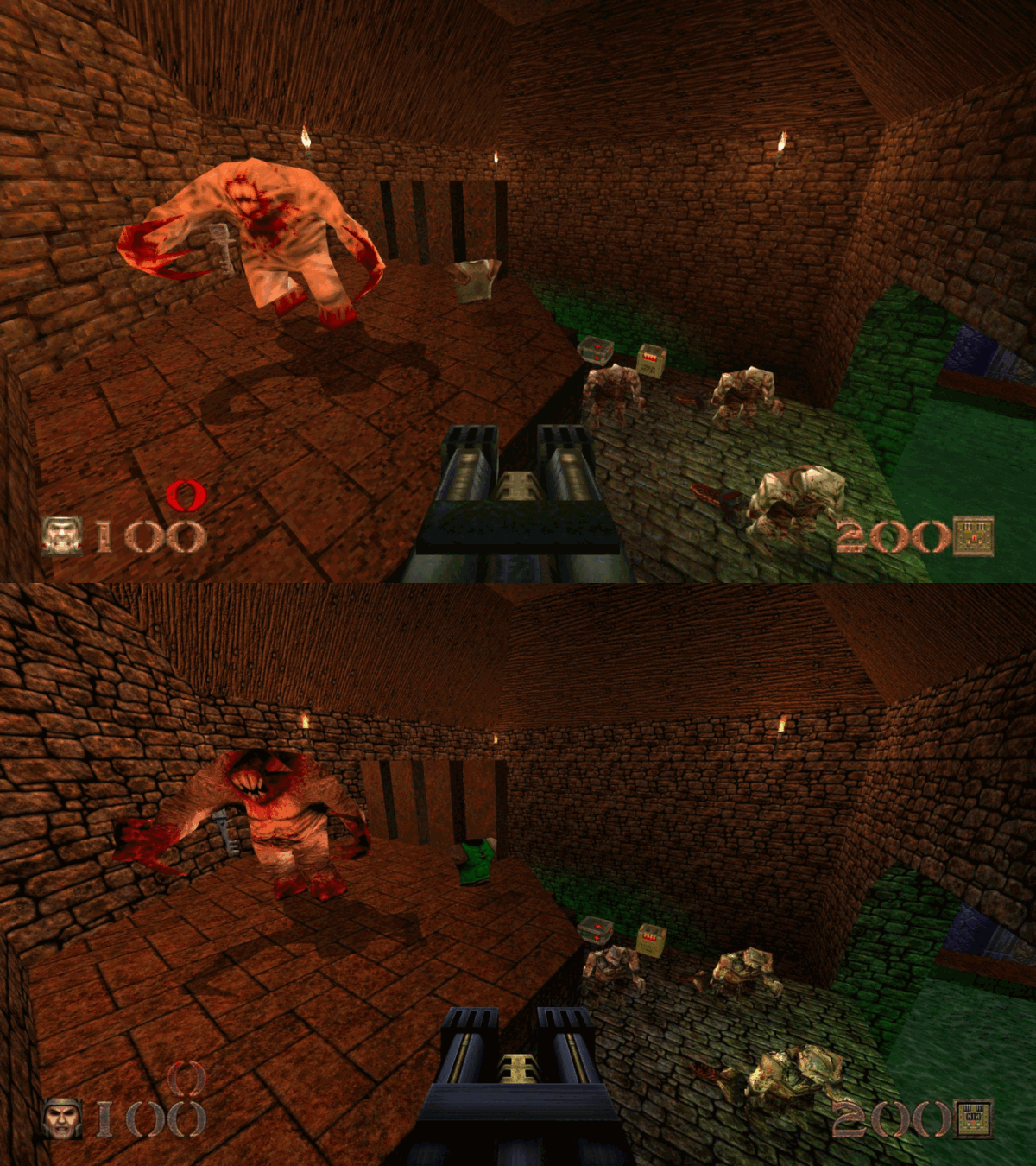
32bit textures
JoeQuake supports external textures in TGA, PNG and JPEG/JPG formats.
All textures go to a textures folder, which can contain the following subfolders:
bmodelsfor brush model textures (maps, ammo boxes)modelsfor alias model textures (player, monsters, items, etc)spritesfor sprite model textures (explosion, water bubbles)wadfor hud picturescharsetsfor custom character setsparticlesfor custom particle images (read more advanced particles below)
The only exceptions are the followings:
- Custom crosshairimages go to
crosshairsfolder. - Custom skyboxes go either to
envor togfx/envfolder.
You can also create map name folders, so then the textures for that map will
be loaded from there (e.g. textures/ztndm3).
You can download hi-resolution map textures from the Quake Retexturing project page.
For other hi-resolution textures I recommend visiting the gfx.quakeworld.nu site.
Coloured lights
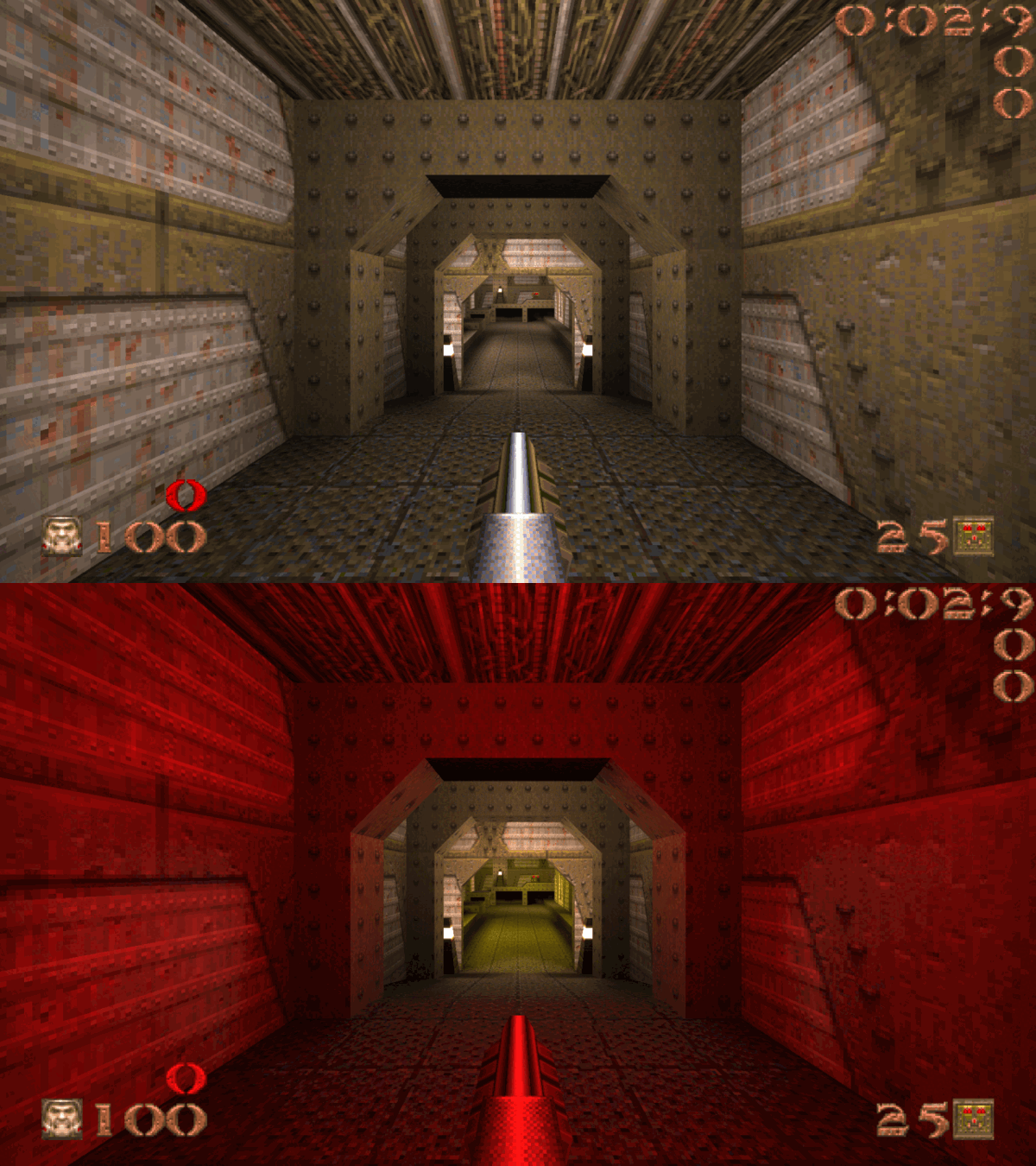
Both dynamic and static colored lights are available in JoeQuake.
- For dynamic colored lights, you can choose from various colors to set your
desired explosion or rocket lighting. See more details at
r_explosionlightcolorandr_rocketlightcolor - For static colored lights, you can download
.litfiles (these contain the color information for maps) from the internet (just google for them). You need to place these files either tomaps/litsor tolitsfolder.
Improved particles
JoeQuake has 3 particle themes:
- Classic (default)
- QMB
- Quake 3
To quickly switch between these 3 themes, use the toggleparticles command.
You can choose to override only individual categories:
- Explosions (
gl_part_explosions) - Blood (
gl_part_blood) - Trails (
gl_part_trails) - Gunshots (
gl_part_gunshots) - Spikes (nail shots) (
gl_part_spikes) - Blob explosions (
gl_part_blobs) - Lava splash (
gl_part_lavasplash) - Flames (
gl_part_flames) - Lightning (
gl_part_lightning)
Valid values for these categories are [0|1|2] meaning Classic/QMB/Quake 3.
You can also mix particle themes from these categories.
For example, you can have QMB style blood, Quake 3 style explosions and classic style gunshots at the same time. Go to the Options / Particle options menu to customize your particles settings.
Please note that Quake 3 style is only implemented for:
- Explosions
- Blood
- Trails
- Gunshots
- Spikes (nail shots)
- Flames
There are 3 additional particle effects:
- Muzzleflash (
gl_part_muzzleflash) - Damagesplash (
gl_part_damagesplash) - Bouncing particles (only for QMB gunshots/spikes) (
gl_bounceparticles)
See the Settings page for a detailed description about additional particle effects.
Decals
JoeQuake can display decal patches on floors and walls, when using QMB or Quake 3 style particle effects. For example, a soot stain after an explosion or blood splatters after monster gibs.
Similarly to particles, you can override the following individual categories:
- Blood splatters (
gl_decal_blood) - Bullet holes (
gl_decal_bullets) - Spark trails (
gl_decal_sparks) - Explosion marks (
gl_decal_explosions)
To quickly switch on/off decals, use the toggledecals command.
Go to the Options / Decal options menu to customize your decal settings.
Additional decal options:
- Decal view distance (
gl_decal_viewdistance) - Decal visibility time (
gl_decaltime)
See the Settings page for a detailed description about additional decal options.